
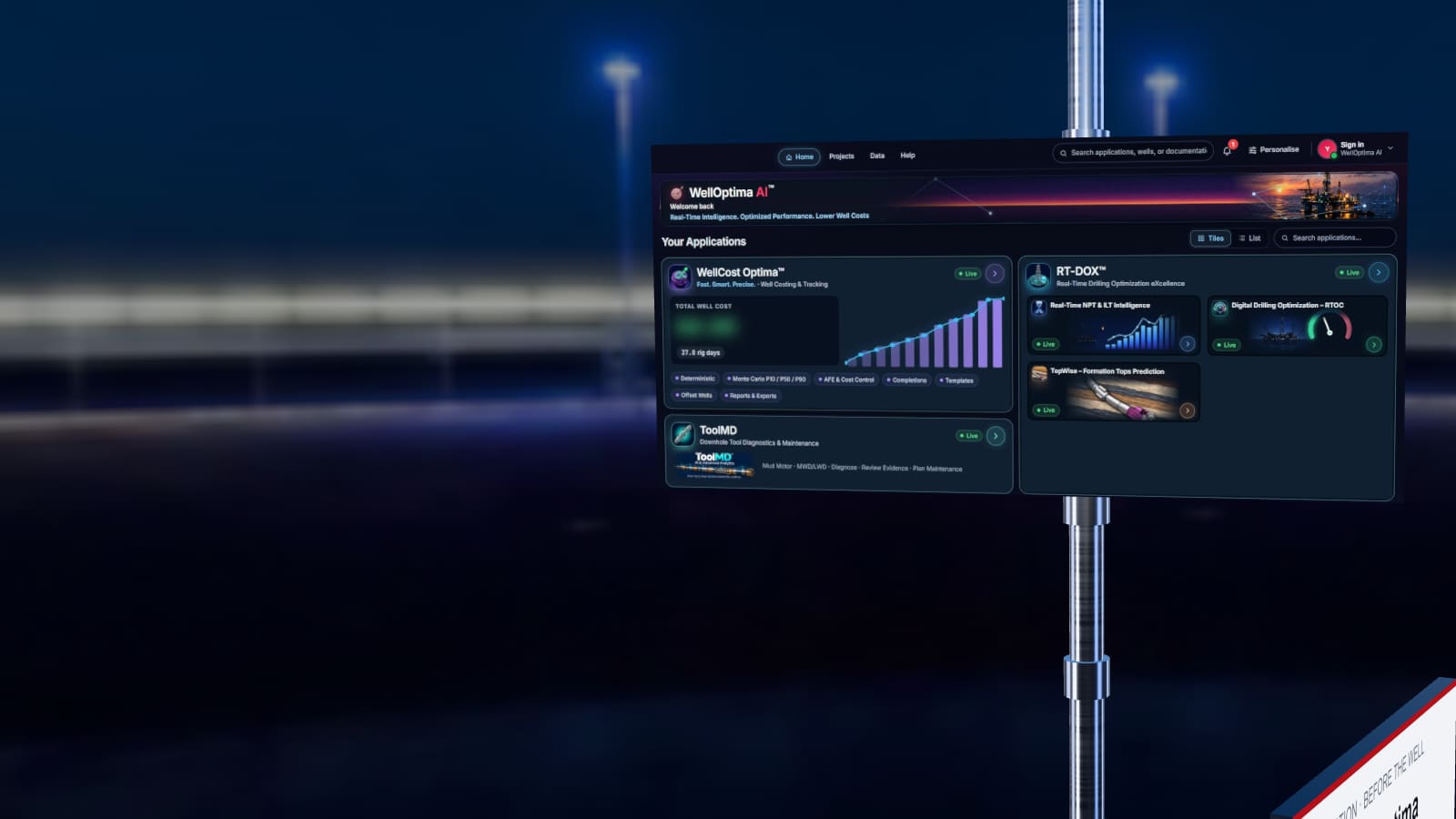
In a browser
You sign in from a browser. Sign in, and your projects and wells stay with you across devices.
Oxford Well EngineeringWellOptima AI, software as a service
WellOptima AI is Oxford Well Engineering’s own software for well costing and real-time drilling performance. You sign in from a browser, cost a well before it is drilled, and read it against the plan while it is drilled.
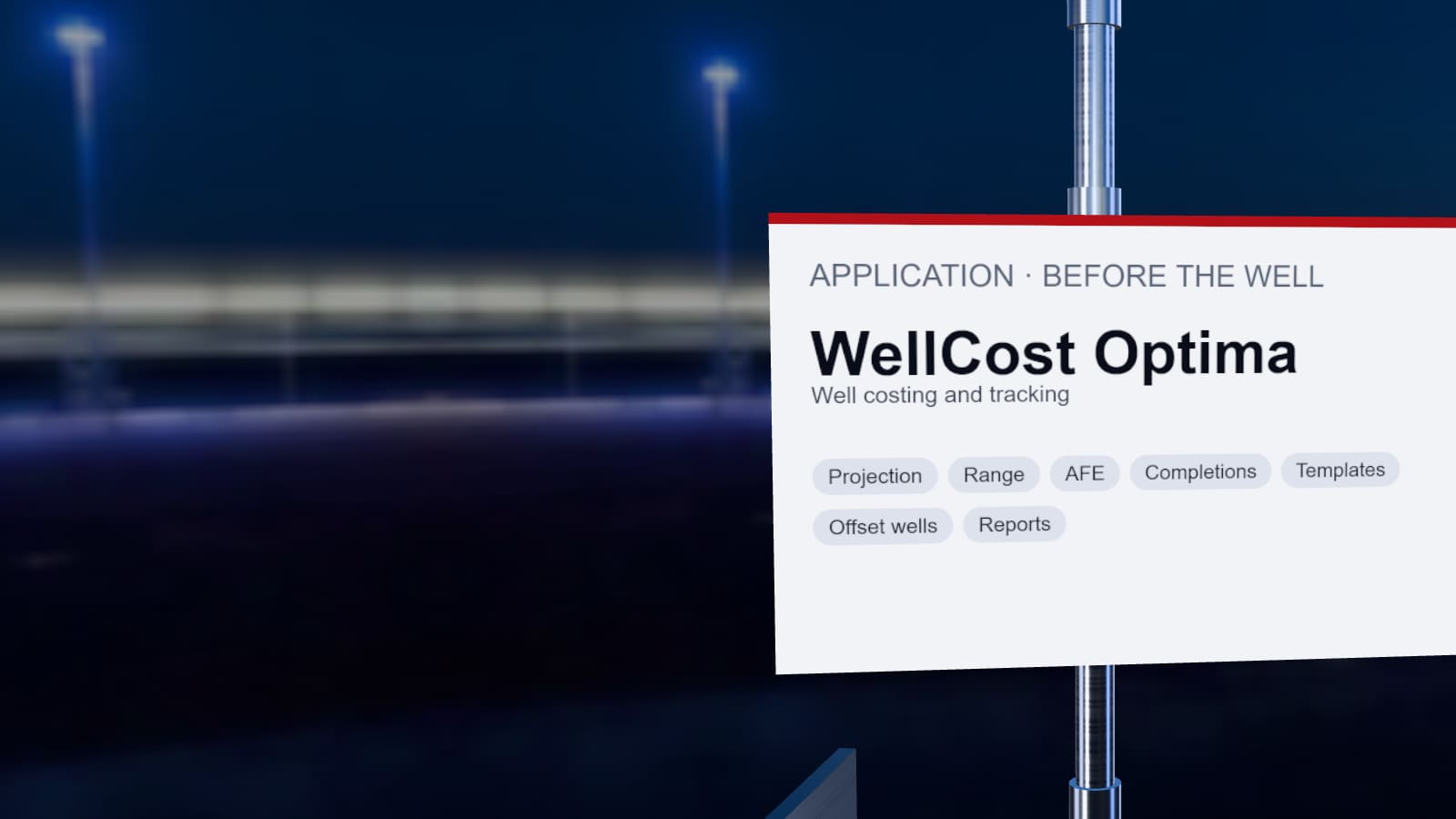
01Before the well
WellCost Optima. Photograph the casing table and the sizes, depths and units are read off it. You check each one before it is used. Say where the rig works, pick a completion template and adjust any number you want. The projection is there.
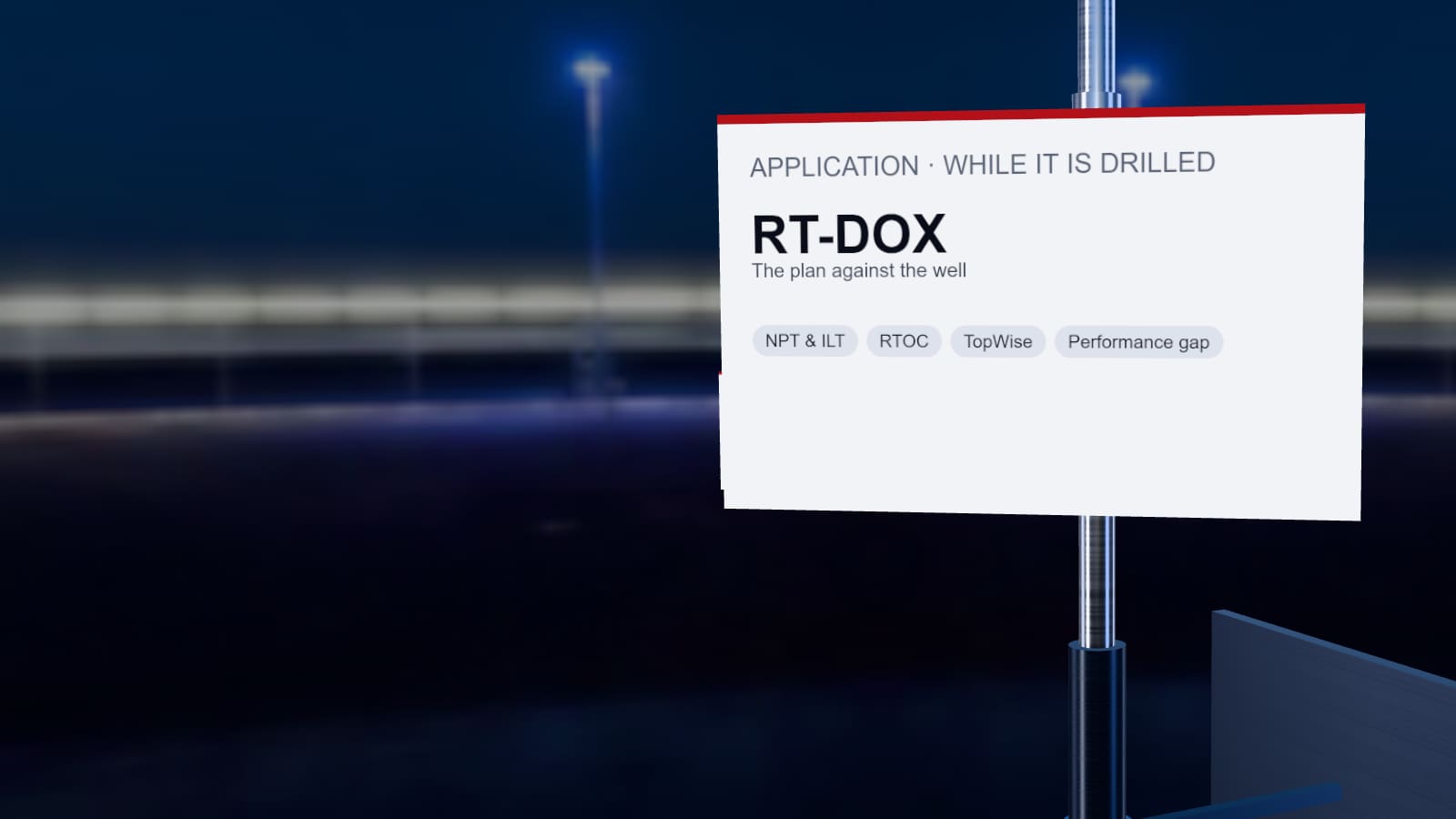
02While it is drilled
RT-DOX. The recorded drilling is laid over the plan, section by section. Its Dynamic Performance Gap is a moving measure of performance in real time: hours won or lost while the pipe is moving.
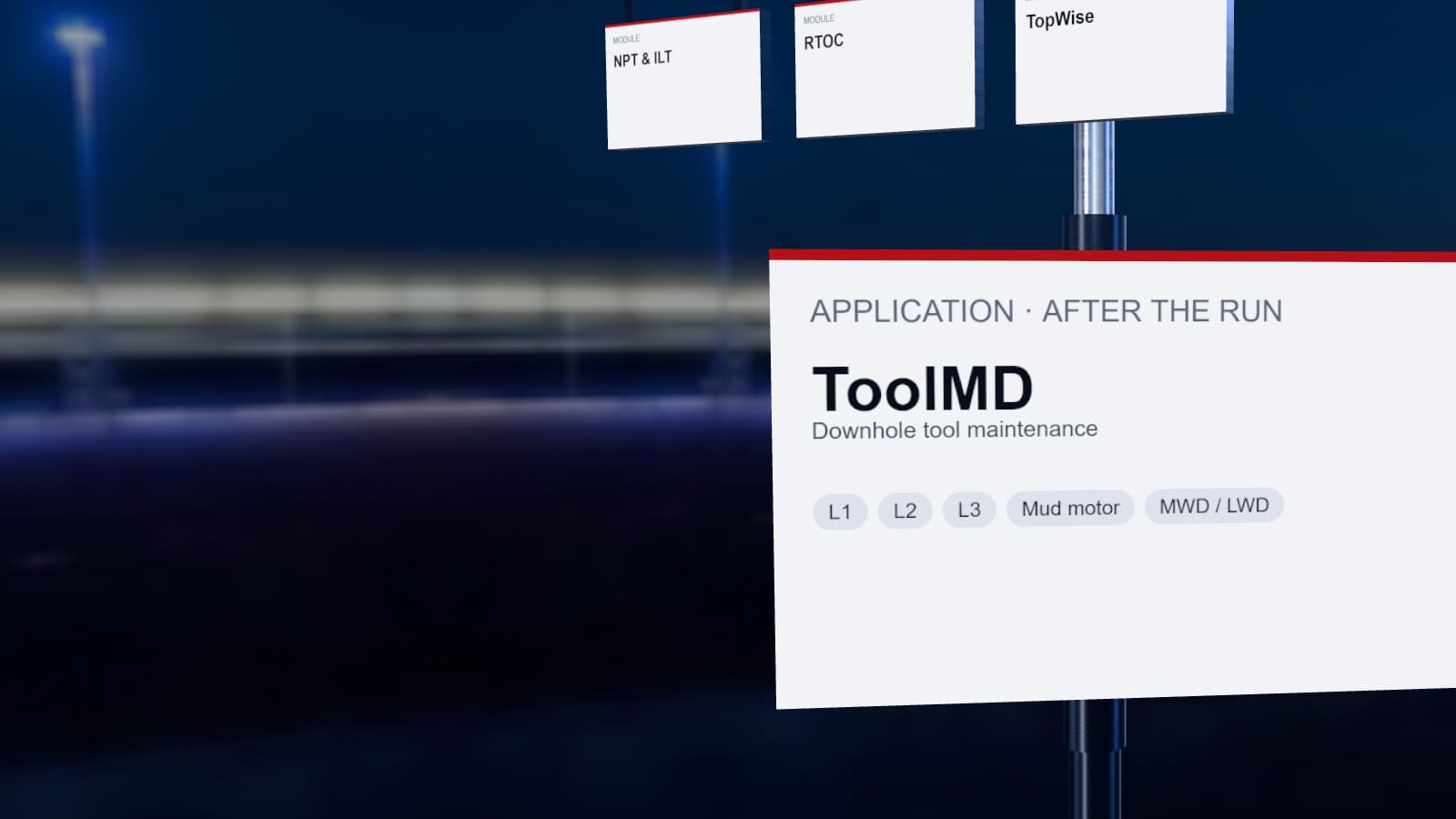
03After the run
ToolMD. It reads how a mud motor or an MWD tool was run and gives one maintenance level for the tool, with the evidence behind it. It opens in its own tab, with its own sign-in.
The suite
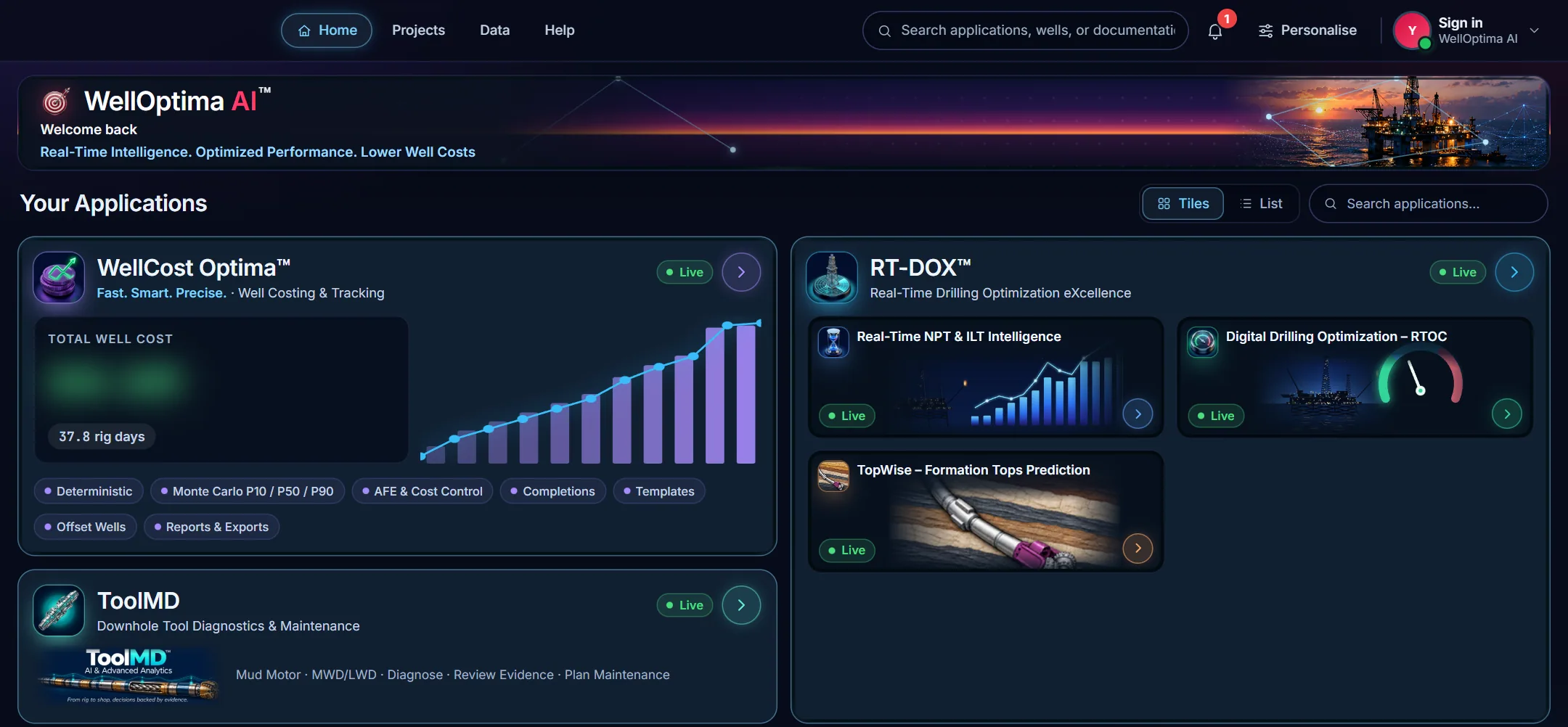
Applications come first. The modules inside RT-DOX sit under it. Each card opens its own page.
How the suite connects
What is joined, and what is kept apart, in plain terms.
WellOptima AIHome screen
How it works
A short film of WellOptima AI at work. No sound needed. The first seven steps are WellCost Optima, the next five are RT-DOX and its modules, and the last is ToolMD.
How you get it
Where each part is used, as far as we can say today.
You sign in from a browser. Sign in, and your projects and wells stay with you across devices.
The real-time part runs in a desktop edition. It keeps your rig data on your own machine and is licensed separately. Ask us about it.
WellCost Optima works in the browser on a phone too. Ask us about phone apps.
The rest of the suite
Ask us about any of them.
Start
Book a time and we will show you.